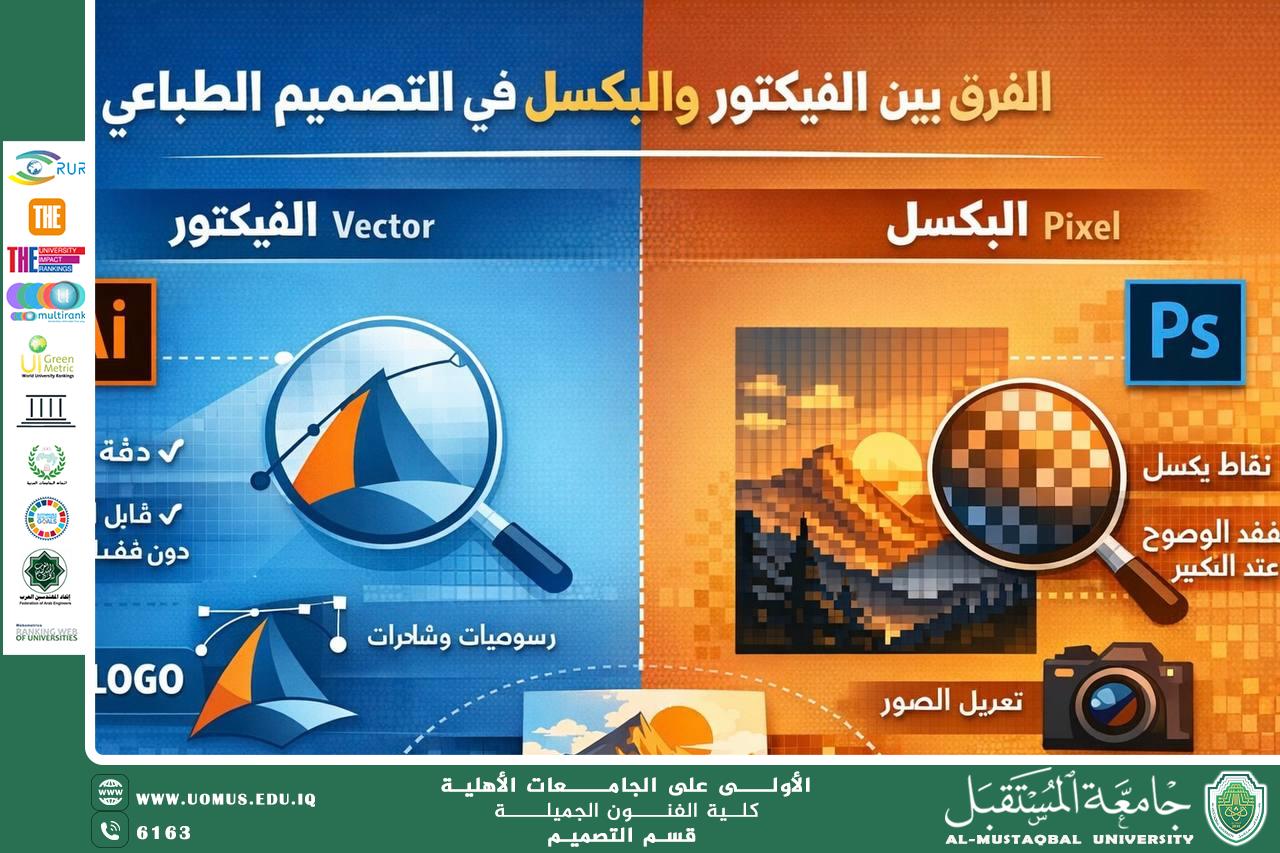

The Difference Between Vector and Pixel in Print Design
Understanding the difference between Vector and Pixel systems is a fundamental aspect of print design, as choosing the appropriate system directly affects the quality and accuracy of the final printed output.
The vector system is based on mathematical equations to construct shapes and lines, allowing designs to be scaled up or down without losing quality or clarity. For this reason, it is widely used in designing logos, headlines, illustrations, and visual identities. Adobe Illustrator is considered the most popular tool for vector-based print design.
In contrast, the pixel system relies on a grid of tiny dots known as pixels, where image quality is closely linked to resolution. When pixel-based designs are enlarged, they may lose sharpness and appear distorted. Therefore, this system is commonly used for photo editing, backgrounds, and designs that depend on color gradients and visual effects. Adobe Photoshop is the primary software used for pixel-based design.
In professional print design, vector graphics are preferred for essential elements such as text and logos that require high precision, while pixel graphics are used for image processing and visual enhancements. The proper integration of both systems leads to professional results and high-quality printing.
Conclusion
Choosing between vector and pixel is not about superiority, but about suitability for the design purpose. Understanding the differences between these systems is a key step toward becoming a successful and professional designer.
Achieved Sustainable Development Goal
This topic contributes to Sustainable Development Goal 4: Quality Education (SDG 4) by enhancing technical knowledge, developing practical design skills, and promoting effective learning in the field of graphic and print design.
Almustaqbal University, The First University in Iraq.