Your First Step Toward Smart Learning: Student Registration Guidelines on Al-Mustaqbal University’s E-Learning Platform
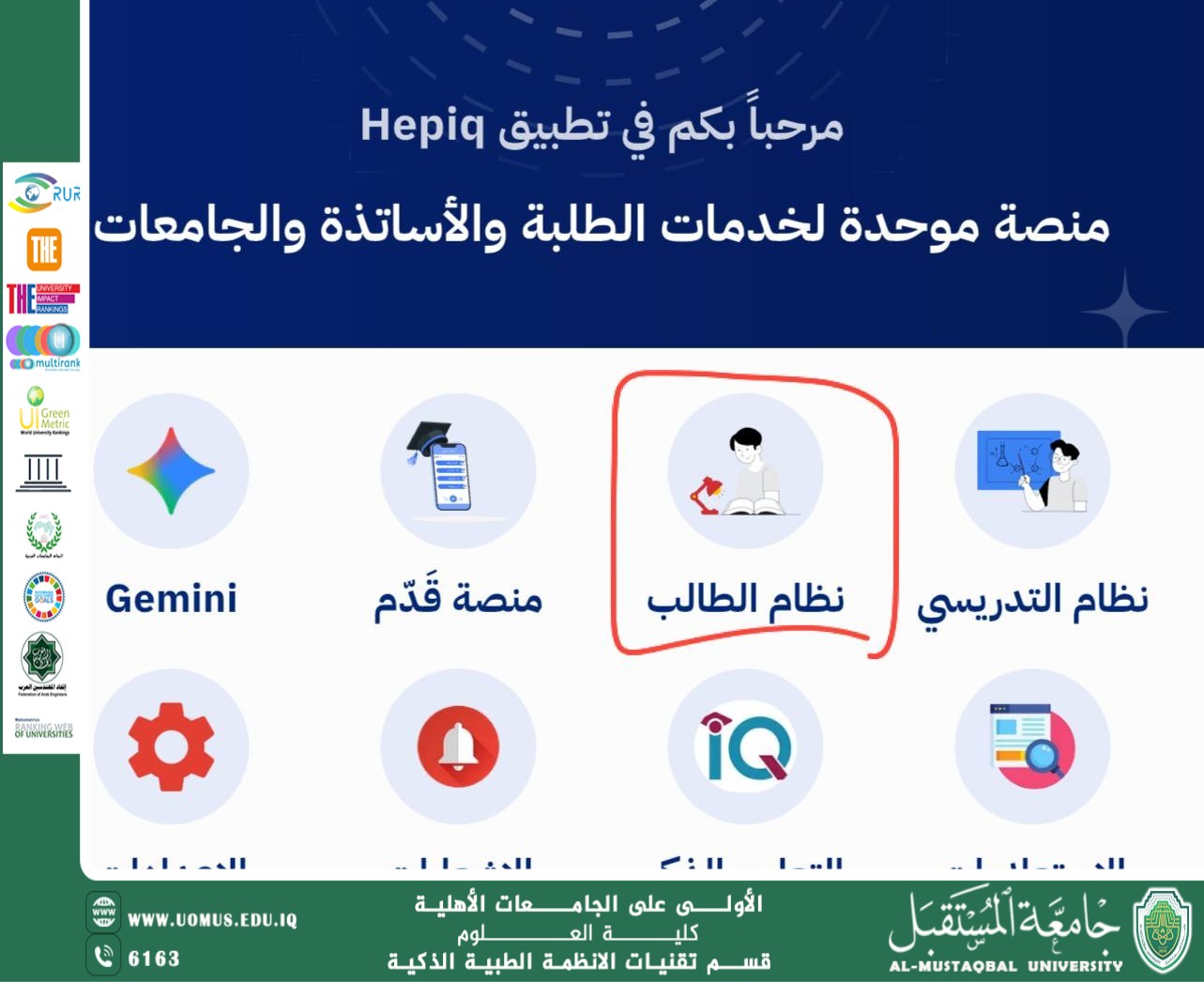
All students are kindly requested to complete the registration steps in the Smart Learning Platform according to the following instructions:
First:
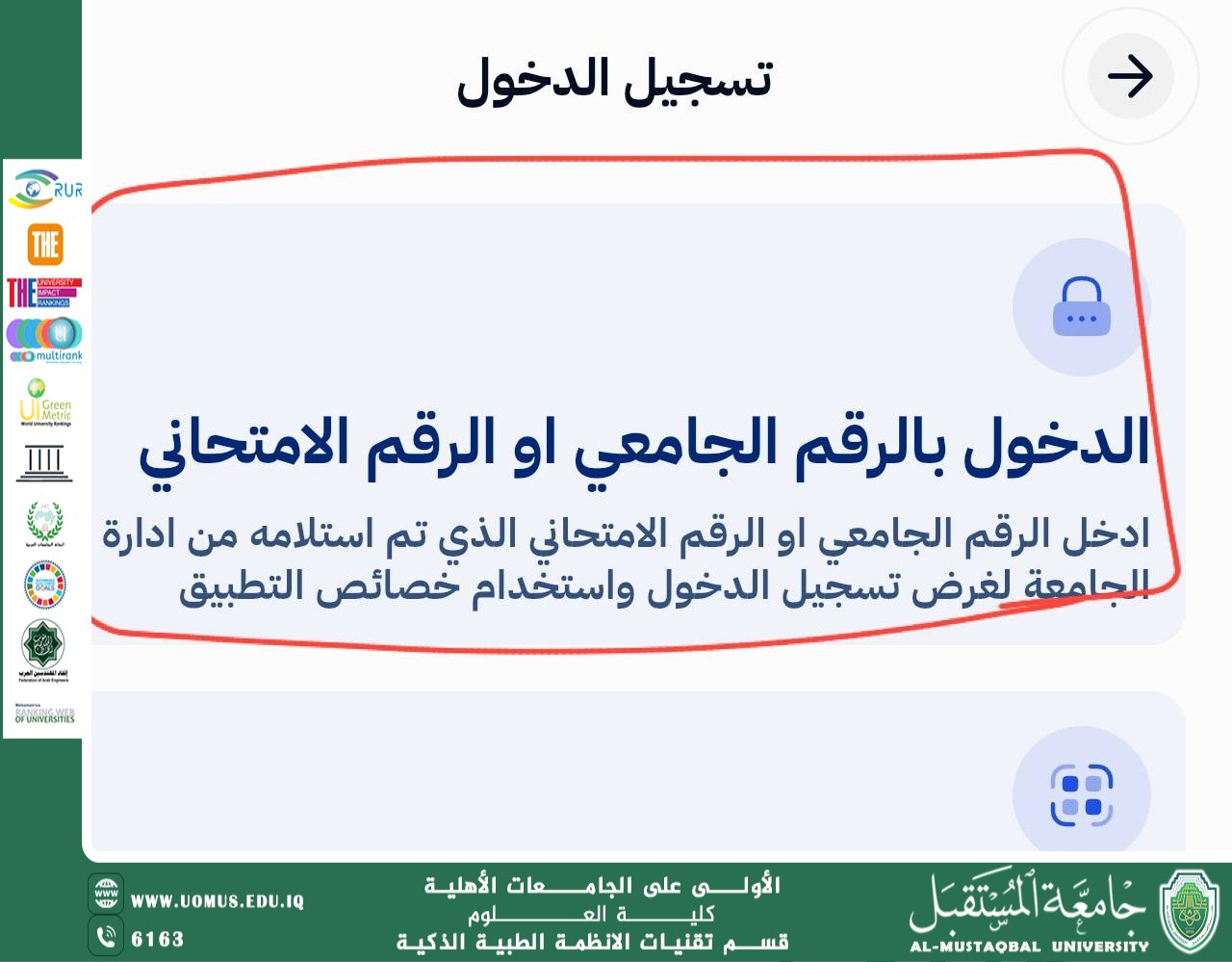
Log in to the Hubak program, then enter the information found in the barcode, which includes:
Username
Code
After that, fill in all the required information completely until reaching the payment stage, and then complete the remaining procedures until the end.
Second:
After completing the registration process, please visit the following link:
https://lms-student.mohesr.gov.iq/
Then log in using:
Username
New Password
Note:
During registration in the Student System, the student will be required to officially change the code (password). Therefore, the new password must be used when logging into the platform in the future.
بعد إتمام التسجيل، يرجى الدخول إلى الرابط الآتي:
الهدف الرابع(التعليم الجيد).